
You can sign up for Telegram online in a couple of minutes. All you need is the app and a phone number that receives the code. Yet the second part is where many people get stuck. They have no SIM of their own, or it’s already tied to another account. So below you’ll find a step-by-step guide and an honest look at where to get a number, including a virtual phone number for Telegram.
// contents
What you need to sign up
The list is short. First, the Telegram app itself: for iPhone, Android or a computer. Second, a number that can receive SMS right now. You’ll also need internet access, so Wi-Fi without mobile service works too.
You don’t need an email, a passport or a bank card. However, the number must not be in use yet. If it already has an account, you’ll get a login screen instead of sign-up. By the way, download Telegram from an official app store, not from a link in some chat.
How to sign up for Telegram on your phone
The steps are the same on iPhone and Android, so one guide covers both.
- Download Telegram from the App Store or Google Play and open it.
- Tap “Start Messaging” and choose the country of your number.
- Enter your phone number without the country code. The app fills it in for you.
- Wait for the SMS code and type it into the empty boxes.
- Enter your name, add a photo if you like, and your account is ready.
Sometimes the code comes as a call instead of an SMS. It may also arrive in Telegram already open on another device. If no code arrives at all, the reason is usually easy to spot. For example, the number doesn’t receive SMS, or Telegram filters out its number range.

Signing up on a computer and in a browser
You can create an account without a smartphone too. Telegram Desktop for Windows, macOS or Linux does the job. The steps are the same: number, code, name.
In a browser, there’s the web version at web.telegram.org. People mostly use it to log in to an existing account, but the steps are no different. Also, one account works on all your devices at once. So you don’t need to register again on your computer.
Can you sign up for Telegram with email?
No, email can’t replace a phone number. A Telegram account is always tied to a phone number. Lately, though, Telegram sometimes asks for an email during sign-up. Login codes are then sent there, but you still need the number.
So there’s no way around a number. The only question is which one to get.
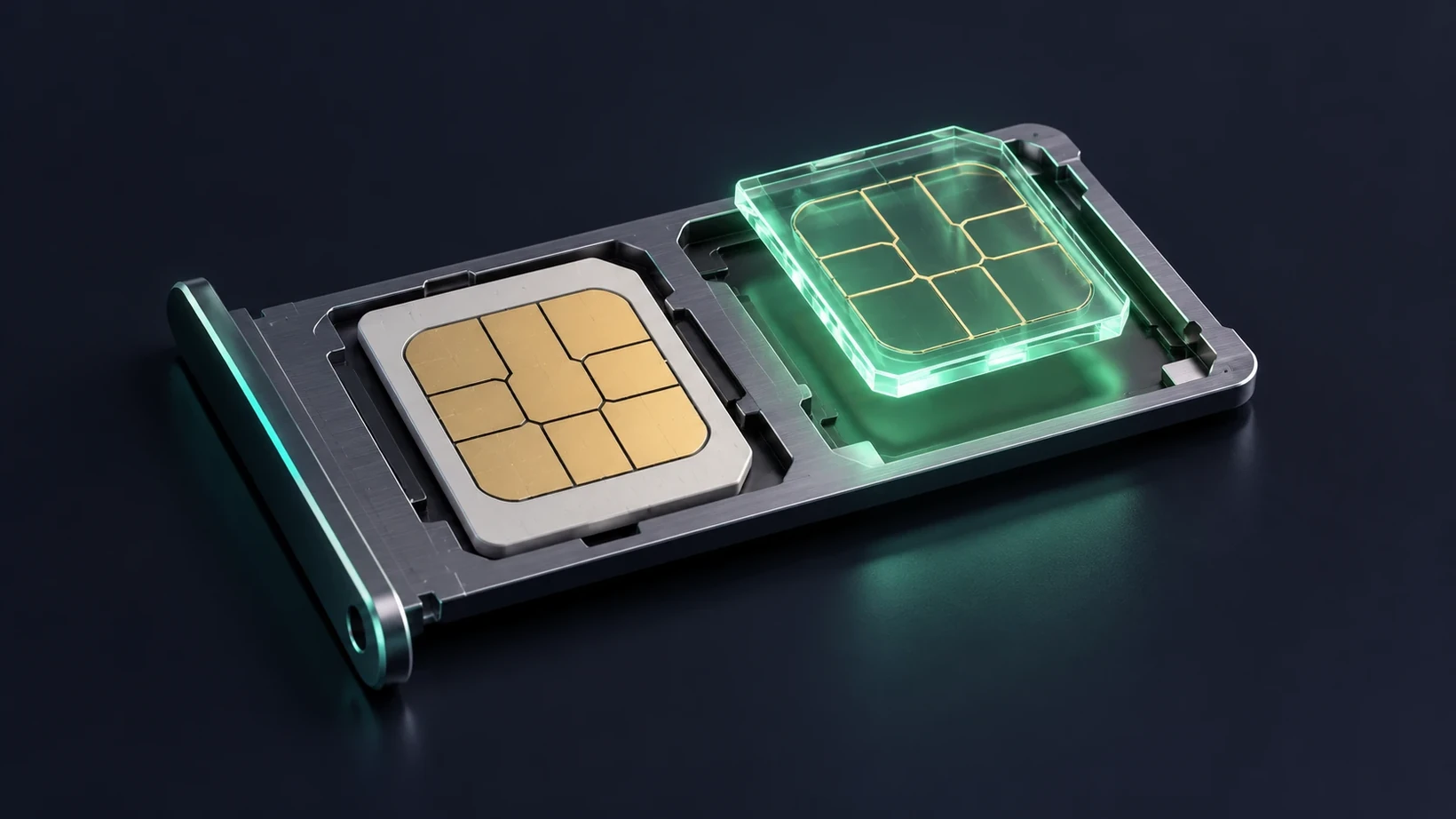
How to get a phone number for Telegram
There are three options, and each comes at its own cost.
Your own SIM card. The simplest route, if the number isn’t taken yet. However, your account is then tied to your personal SIM for good. On top of that, you can’t register a second account on it.
A second SIM or eSIM from a carrier. This works for a second account. However, in many countries you can only get a SIM with a passport. You also need to top it up, or the carrier will cut off the number.
A virtual number. You buy it online, and the code arrives in your dashboard in a browser. For example, you can buy a virtual number for Telegram in any of dozens of countries. For your first login, a number for registration is the better fit, since Telegram accepts it without rejections.
In classified ads, such a number is often just called a “virtual”. Random numbers from public lists won’t do, though: everyone can see the code on them. Read more in our breakdown of free numbers.
A second account on a separate number
You add a second Telegram account in Settings with “Add Account”. However, one number can hold only one account. So a second profile needs a second number.
A virtual number is handy here, since your personal SIM stays with your main account. As a result, both profiles live in one app, and you switch between them with a single tap.
What to do right after signing up
First, set a cloud password: Settings → Privacy and Security → Two-Step Verification. Then a stranger can’t get into your account, even with the SMS code.
Second, think about your number long term. When you log in on a new device, Telegram sends a code again. So for a long-term account, use a number that will stay yours. For example, a permanent number won’t go back into circulation even a year from now.
FAQ on signing up for Telegram
Can I sign up for Telegram with an email address?
No, an account is always created with a phone number. Telegram sometimes asks for an email for login codes. But that’s an addition to the number, not a replacement.
Can I create a Telegram account without a phone number at all?
No, a number is required, because the code is sent to it. However, it doesn’t have to be your personal SIM. For example, there are anonymous numbers, including +888 numbers from the Fragment platform.
How many accounts can I have in one Telegram app?
As a rule, up to three. You add the second and third in Settings, and each one has its own number. So a second account needs a second number.
Can I sign up for Telegram with a number from another country?
Yes, the number’s country has nothing to do with your location. The main thing is that the number receives SMS. You choose the country code on the very first sign-up screen.
Why does Telegram need my phone number?
A number protects against bots and mass sign-ups. It also lets you recover access. On top of that, Telegram uses numbers to find people you know from your phone book.
What does it mean if a number is already registered on Telegram?
It means the number already has an account, and Telegram will offer to log in to it. If the account isn’t yours, the number used to belong to someone else. In that case, you need a different number for your own account.
Can I register on Telegram without a verification code?
No, an account can’t be created without a code. That’s how Telegram checks that the number is really yours. If the code didn’t arrive, work through our separate guide.
How much does it cost to sign up for Telegram?
Signing up costs nothing, and neither does the app. The number, however, may cost money. For example, when you have no SIM and need a virtual phone number for Telegram.
Do I need to keep the number after signing up?
Yes, if you want the account for the long term. When you log in on a new device, Telegram sends a code to that number again. So a number that disappears in a day will cost you access sooner or later.
Can I register on Telegram from a computer without a smartphone?
Yes, Telegram Desktop can create an account on its own. The steps are the same: number, code, name. You don’t need a smartphone for this.
No SIM of your own for Telegram?
Get a number that Telegram accepts at sign-up. The code arrives in your dashboard. If the SMS doesn’t come through, we’ll replace the number.